
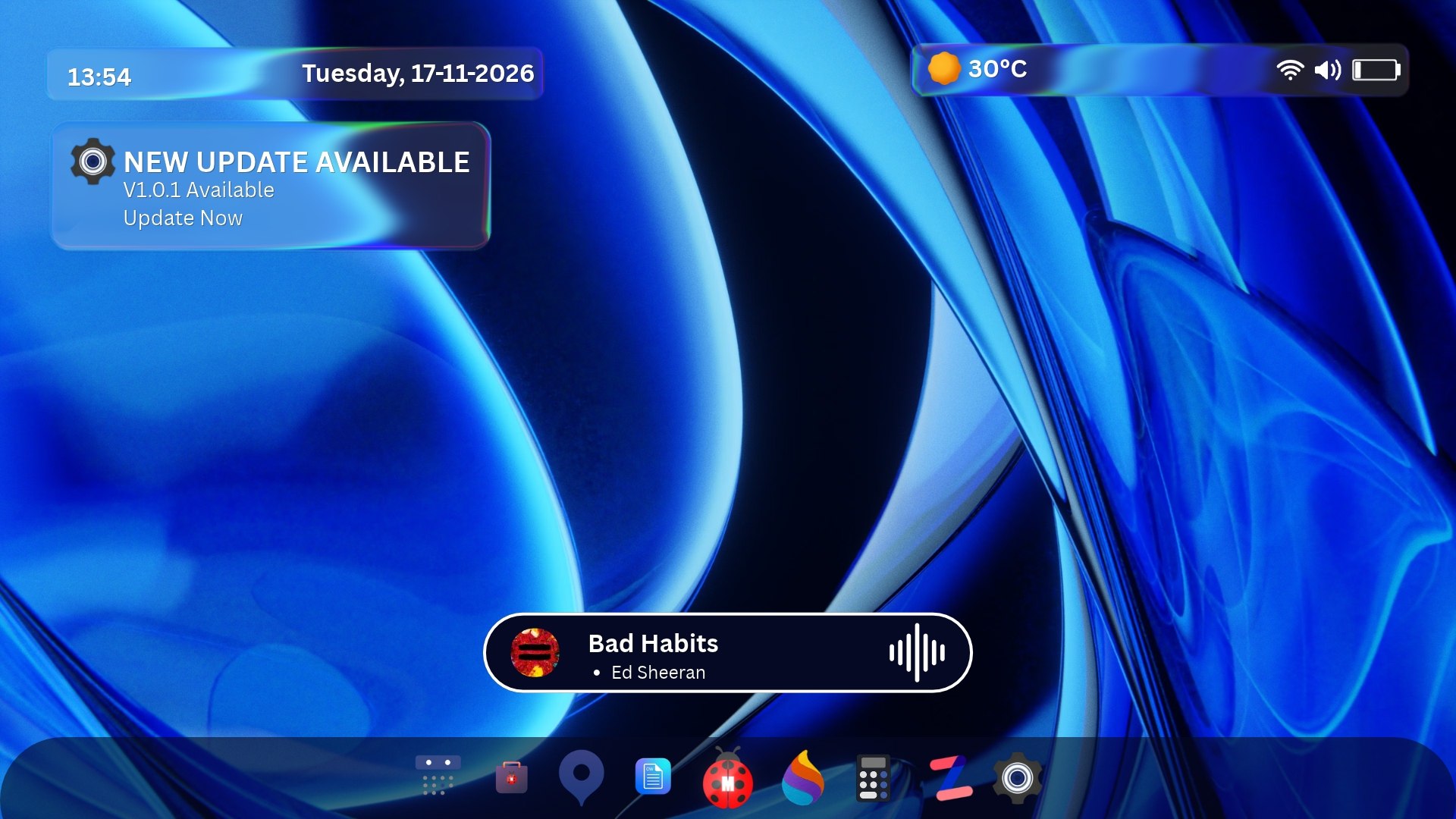
Download MintBug OS Disk Image (ISO)
Select your edition, processor architecture, and nearest mirror to download a bootable ISO image for clean installs or virtual machines.
- Ensure your PC supports 64-bit UEFI boot (Secure Boot works out of the box).
- Keep an empty USB flash drive with at least 4 GB of space (all existing USB data will be erased).
- Back up important files before partitioning an existing Windows or Linux drive.
- Verify the SHA-256 hash below after download to ensure file integrity.
Create Bootable USB Media
Flash the ISO in under two minutes and try the live desktop before installing.
Write ISO to a USB 3 drive
On Windows use Rufus (DD Image mode) or BalenaEtcher. On Linux or macOS, write directly with dd:
sudo dd if=mintbug-3.0-personal-x86_64.iso of=/dev/sdX bs=8M status=progress
Boot into the live environment
Restart your computer and open the boot menu (F12 on ThinkPad/Dell, Esc on HP, or Option on Intel Mac). Select your USB device.
Run the 90-second installer
Test Wi-Fi, audio, and display scaling live. Click Install MintBug OS when ready—optional LUKS2 full-disk encryption is built in.
System Requirements
Engineered to run smoothly on 2018+ hardware and modern workstations alike.
| Processor | 64-bit x86_64 (2+ cores) |
|---|---|
| Memory (RAM) | 2 GB minimum · 8 GB rec |
| Storage | 16 GB SSD / NVMe (64 GB rec) |
| Firmware | UEFI 2.3+ · Secure Boot |
| Graphics | Wayland / Vulkan 1.2+ |
| Install Media | 4 GB+ USB 3.0 flash drive |
| Idle Footprint | 240 MB RAM · 11s cold boot |
Verify Your Download (SHA-256)
Run the command below for your current operating system and confirm the output matches the official hash for your downloaded ISO.
Get-FileHash .\mintbug-3.0-personal-x86_64.iso -Algorithm SHA256
| ISO File | SHA-256 Hash | Action |
|---|
4B91 7C2E 8A03 D4F1 90E2 6C55 11A8 F039 2D7B 88C4